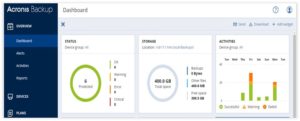
Acronis 12.5 provides a centralized managed point for remote and local backup and system restore. Very convenient set of setting allows to optimize network load during the backup process as well to customize scheduled backup plans. Additional characteristics are:
- Centralized backup management point
- Each physical computer under security management has an Acronis Backup
- Agent installed to report status to the console
- Available for data from virtual machines
- Can create different backup schedule options
- Recovery scenarios include recovery to a virtual machine, data drive, or
- operating system-only drive
- Can modify backup performance/network connection speed (set at 20%)
- Backup types: full, differential, incremental
- Acronis 12.5 can uses both agent-less and agents to manage disaster recovery tasks
The default backup configuration and retention is (GFS Scheme):
- An incremental backup once per day for a week
- A differential backup once per week for a month
- A full backup once per month for a year
 .
.
